AI-enabled Business Application
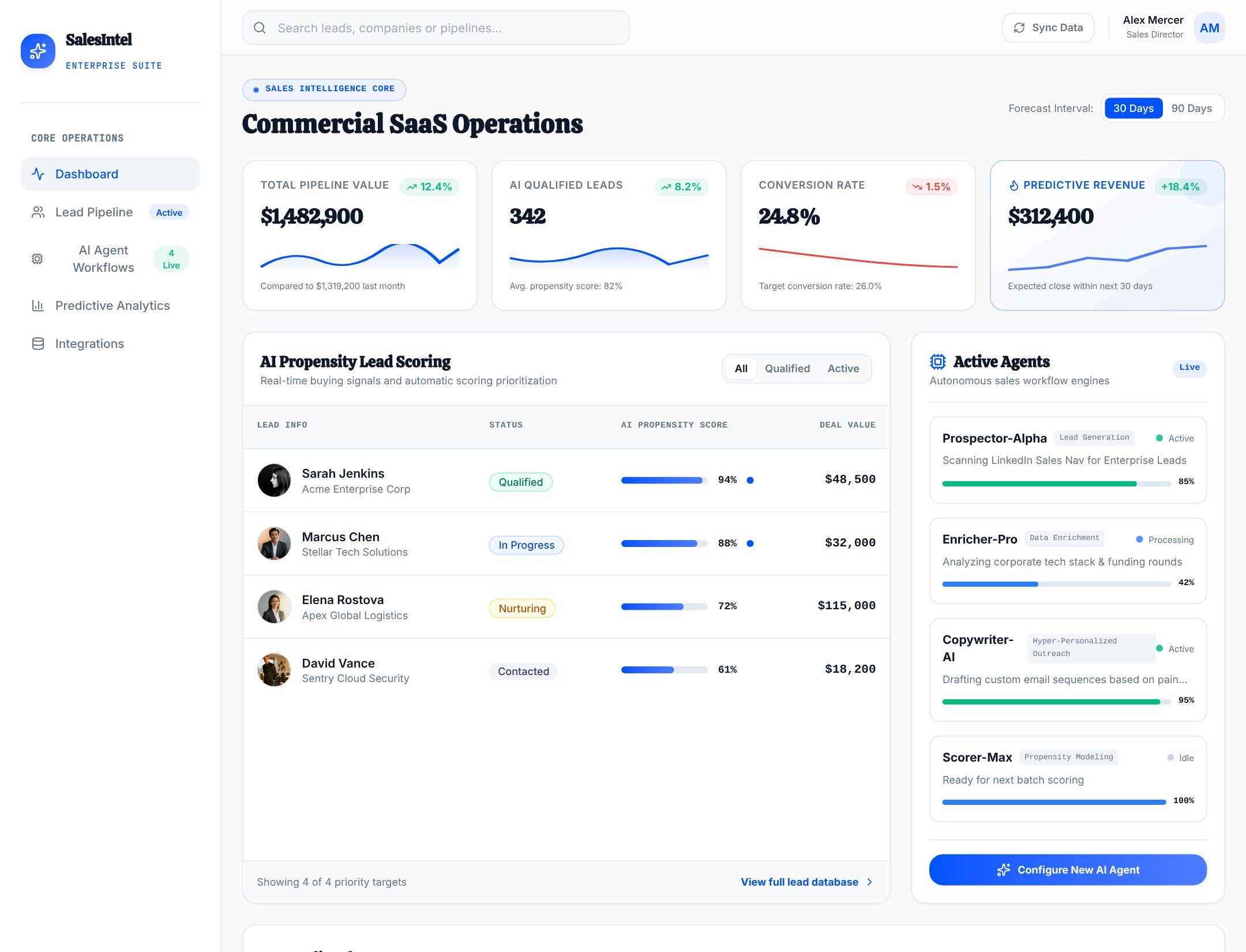
AI Sales Agent CRM
A CRM-oriented case from the supplied library, selected to show records, dashboards, AI-assisted workflows, and business-process depth.
View templateAutoCoder.cc and 10x.app both turn natural language into working software, but they target different platforms. AutoCoder generates full-stack web products; 10x.app generates native SwiftUI iOS projects and helps prepare them for the App Store.
Build a customer operations product with secure accounts, a shared database, role-based dashboards, workflow automation, and a responsive user experience.
Choose AutoCoder.cc for browser-based SaaS, dashboards, portals, CRMs, and other full-stack web applications. Choose 10x.app when the intended product is a native iOS app written in SwiftUI and the workflow should lead toward Xcode, Simulator previews, and App Store submission.
A factual comparison of product scope, workflow, infrastructure, ownership, and fit. Conditional capabilities are labeled instead of presented as simple yes/no claims.
Swipe horizontally to view the full comparison.
| Area | AutoCoder.cc | 10x.app |
|---|---|---|
| Core product | End-to-end AI platform for websites and full-stack web applications. | AI app builder for generating, editing, and shipping native iOS apps using SwiftUI. |
| Core approach | Describe users, data, pages, and workflows; AutoCoder generates a cohesive web frontend, backend, database structure, and app logic. | Describe an iOS app; 10x uses a conversational plan/build loop to write SwiftUI files, scaffold an Xcode project, compile it, and preview it in the iOS Simulator. |
| Best for | Browser-based SaaS, dashboards, CRMs, internal tools, marketplaces, portals, and data-driven websites. | Native iPhone utilities, consumer apps, AI tools, trackers, and other products intended for Apple’s mobile ecosystem. |
| Target users | Founders, product managers, operators, agencies, and developers shipping web products. | Creators and developers who want to build native iOS apps from prompts; coding experience is optional, while macOS/Xcode context remains useful. |
| Starting point | Natural-language requirements or a remixable web/app template. | Natural-language app description in the macOS builder. |
| AI workflow | Requirement analysis → full-stack generation → preview → conversational iteration → hosted publish and optional paid export. | Describe → plan and clarify → generate/edit SwiftUI code → compile and launch in Simulator → review screenshots and continue iterating. |
| Frontend support | Responsive React web interfaces using an opinionated modern component stack. | Native SwiftUI interfaces and Xcode projects for iOS; the official site emphasizes no webviews or wrappers. |
| Backend and database | Generated backend logic, Prisma-backed data structures, admin capabilities, and data workflows are part of the platform scope. | Conditional: the official site highlights Supabase integration for backend needs. Setup and capabilities depend on the generated app and connected external services. |
| Authentication | Can generate JWT-based application authentication, roles, and permissions for supported project patterns. | Conditional: app authentication can be added through integrations such as Supabase. The builder’s own account authentication is not the same as generated-app auth. |
| Integrations | Hosted publishing, custom domains, Google sign-in, backend tools, and project-specific generated API/integration logic. | Officially names OpenAI, Supabase, and Superwall for AI, backend, and monetization capabilities. Additional native dependencies may require developer configuration. |
| Deployment | Publish to a live web URL, connect a custom domain, and manage projects from Workspace. | Targets native iOS distribution. The official site describes App Store submission support and automatic generation of logo, screenshots, and description; Apple review still applies. |
| Source ownership / export | Paid Standard and Pro plans include ZIP source-code export; the Free plan does not. | Generates real SwiftUI files and an Xcode project locally, supporting direct code customization. The public roadmap lists a separate ZIP export feature as planned, so it is not claimed here as current. |
| Pricing model | Free: $0 with 10 credits. Standard: $25/month with 45 credits. Pro: $60/month with 180 credits. | Free to start. Plus: $20/month for everyday use. Max: $200/month for heavier usage, according to the official FAQ. Usage details can change. |
| Learning curve | Accessible prompt workflow; complex data, permissions, and edge cases benefit from precise requirements and web-product judgment. | No coding required for the initial workflow, but macOS, Xcode, Apple signing, App Store rules, and native-platform concepts can matter during shipping. |
| Best-fit projects | SaaS products, admin portals, business systems, booking platforms, marketplaces, and collaborative browser applications. | Native iPhone apps such as trackers, utilities, mobile AI tools, consumer apps, and experiences that benefit from SwiftUI and Apple-platform behavior. |
| Poor fit | Native-only iOS experiences that depend deeply on Apple frameworks or App Store-first distribution. | Web apps, Android or cross-platform delivery, browser-based admin systems, and teams without access to its macOS-based workflow. |
Selected to reflect the search intent of this comparison. Approved project URLs and Template-generated long screenshots must replace the clearly marked production placeholders before publishing.
A CRM-oriented case from the supplied library, selected to show records, dashboards, AI-assisted workflows, and business-process depth.
View template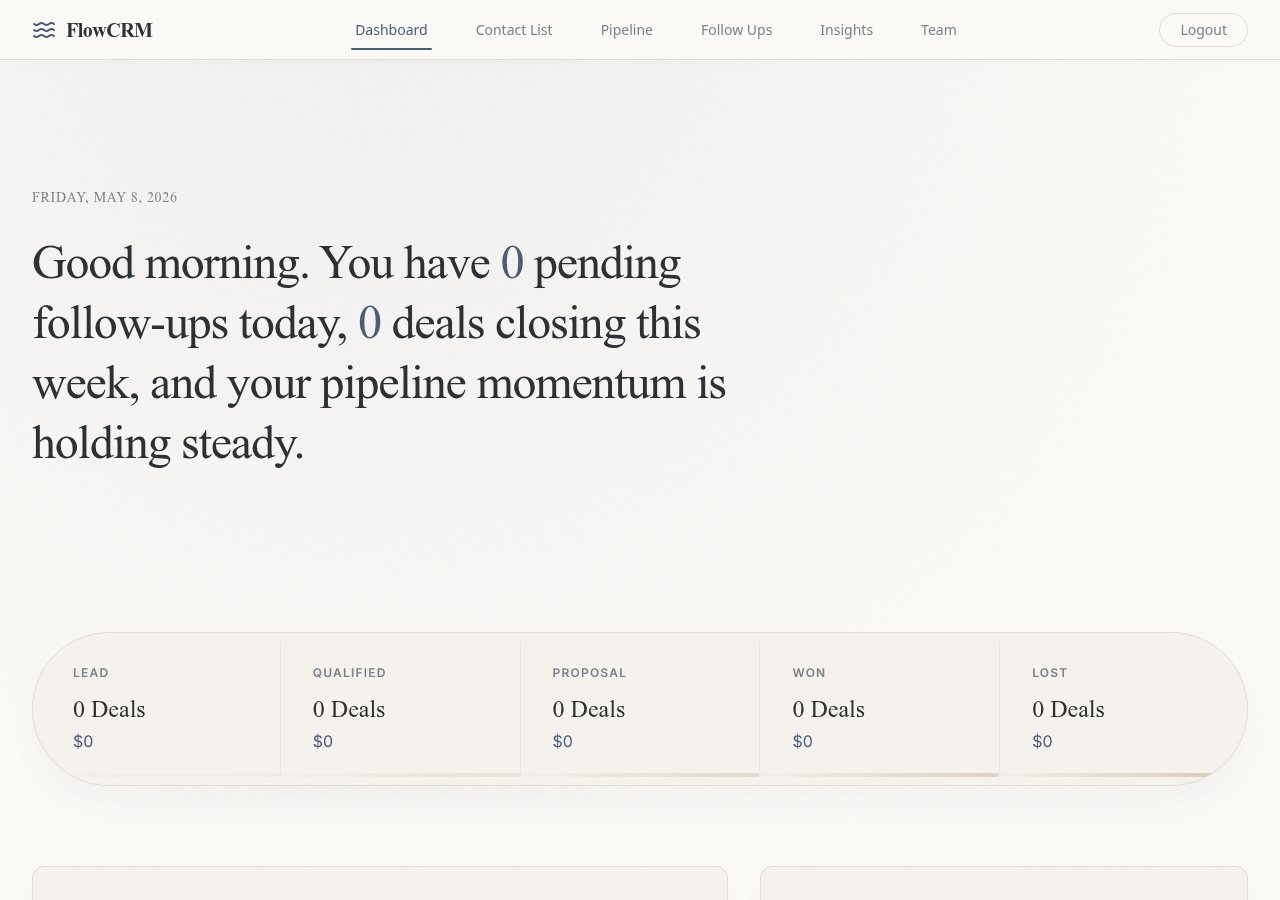
A complete operations workflow concept selected to demonstrate authenticated users, management views, and structured data handling.
View template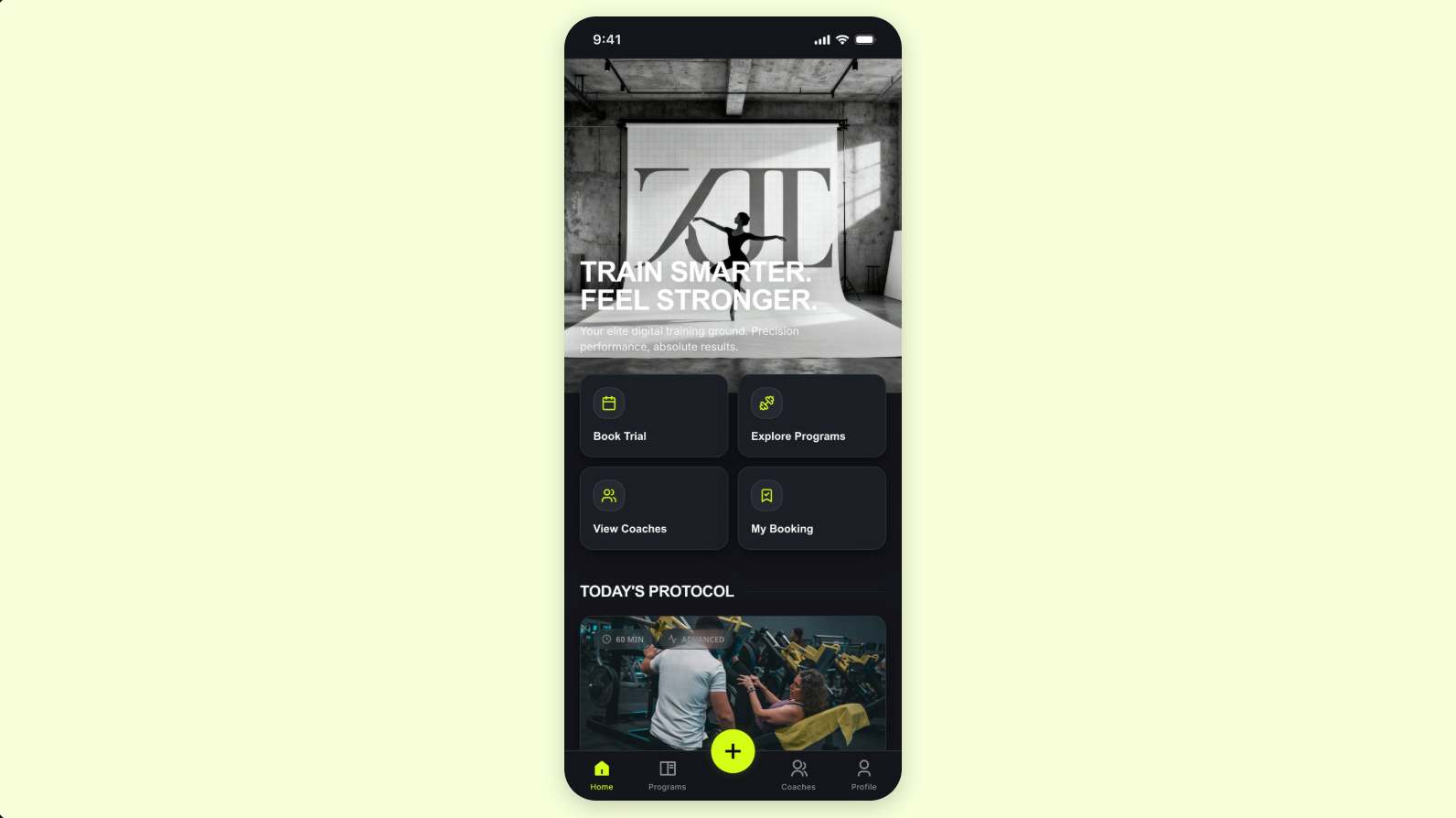
A user-facing dashboard selected to demonstrate account-based product flows, structured data, responsive views, and application depth.
View templateAutoCoder’s value is strongest when users, data, roles, and workflows belong in the original product brief—not in a later integration plan.
Generate browser-based frontend, backend, database, authentication, and admin flows inside one application scope.
Move directly to a hosted web product with a subdomain or custom domain instead of an App Store distribution path.
Build CRMs, portals, dashboards, and operational tools whose primary interface is the browser.
The best tool follows the platform, maintenance owner, and operational requirements—not the broadest marketing claim.
Published prices and availability are time-sensitive. Taxes, usage overages, enterprise terms, add-ons, external service fees, and future changes are not included.
Both have free entry points and paid usage tiers. AutoCoder publishes $25 and $60 monthly plans; 10x publishes $20 Plus and $200 Max plans. Compare current credit or usage limits before purchase.
AutoCoder is an opinionated React/full-stack web generator. 10x generates native SwiftUI and Xcode projects for iOS. This platform distinction matters more than a generic feature checklist.
AutoCoder focuses on full-stack web application plumbing. 10x officially calls out OpenAI, Supabase, and Superwall for AI, backend, and monetization in generated iOS apps.
Pricing and plan details checked against official pages on August 24, 2026.
Compare the documented creation steps, review points, and delivery paths before choosing the workflow that fits your product and team.
These fit statements are based on documented product scope. Output quality still depends on the prompt, project complexity, integrations, review, and testing.
Official documentation establishes product positioning and published capabilities. Conditional implementation details and untested comparative outcomes are labeled separately.
Core positioning, published pricing, workflow, deployment, and source/export statements checked against first-party pages.
May require a specific plan, external service, integration, developer setup, or project configuration.
No controlled benchmark was run for generation speed, total cost, maintainability, reliability, or output quality.
Direct product, documentation, pricing, help-center, repository, and release pages used for this comparison.
Concise answers for users comparing product scope, ownership, workflow, and platform fit.
It depends on the target platform. AutoCoder.cc is designed for full-stack web applications and websites. 10x.app is designed for native iOS apps generated in SwiftUI.
Its current official positioning is native mobile app generation using SwiftUI, with a macOS builder, Xcode projects, and iOS Simulator previews. It is not positioned as a general browser-based web app builder.
10x generates real SwiftUI files and an Xcode project locally, which can be customized. Its public roadmap separately lists ZIP export as planned, so this page does not claim a current one-click ZIP export feature.
The official site names Supabase, OpenAI, and Superwall integrations. The exact backend, authentication, and monetization setup is conditional on the generated app and external service configuration.
AutoCoder.cc is the more direct fit when the CRM or dashboard is primarily a browser-based multi-user system with backend records, roles, and admin workflows.
No. Those comparative claims are marked Not independently tested. Current positioning, pricing, and documented features were checked against official sources, but no controlled benchmark was run.
Describe the users, data, roles, and workflows. Generate, review, refine, and publish with AutoCoder.cc.
Try AutoCoder Free