
Luxury Jewelry Campaign Website
AURORA EDITORIAL
A visual-first campaign site selected to show premium art direction, responsive composition, and editorial storytelling.
View templateAutoCoder.cc and Figma AI can both turn prompts into working interfaces. AutoCoder centers a managed requirement-to-application workflow; Figma combines design exploration, Figma Make, design systems, code-backed prototypes, and codebase collaboration.
Build a premium membership platform with an editorial landing page, secure accounts, saved collections, an admin CMS, and a production deployment path.
Choose AutoCoder.cc when you want a focused path from a product brief to a connected full-stack web application with managed publishing and paid source export. Choose Figma AI when design exploration, team critique, design-system context, editable canvas work, or codebase-to-PR collaboration is the center of the process.
A factual comparison of product scope, workflow, infrastructure, ownership, and fit. Conditional capabilities are labeled instead of presented as simple yes/no claims.
Swipe horizontally to view the full comparison.
| Area | AutoCoder.cc | Figma AI |
|---|---|---|
| Core product | Autonomous AI coding agent and managed full-stack application platform. | Collaborative product-design platform with AI agents, Figma Make, Dev Mode, Sites, design systems, and developer handoff workflows. |
| Core approach | Convert a product prompt into an explicit Requirement List, then generate, preview, refine, and publish the application. | Explore and refine on the canvas, or use Figma Make to prompt functional prototypes and web apps from scratch, design context, or an existing codebase. |
| Best for | Greenfield SaaS products, portals, CRMs, dashboards, marketplaces, and business applications that need a guided launch path. | Design exploration, prototyping, design-system work, cross-functional review, and code-backed product experiments that stay connected to Figma. |
| Target users | Founders, PMs, operators, indie developers, and lean product teams. | Designers, product teams, engineers, marketers, and organizations standardizing design-to-development collaboration. |
| Starting point | Natural-language product requirements or a remixable AutoCoder template. | Prompt, Figma design, design library, product documentation, or an existing codebase. |
| AI workflow | Requirement List → generated frontend and backend → data and auth → preview → conversational or visual iteration → publish. | Agent-assisted design exploration → Figma Make prototype or web app → visual/code refinement → share, publish, copy to design layers, or push changes toward a codebase. |
| Frontend support | Responsive application interfaces generated inside an opinionated web stack. | Deep canvas editing, components, variables, libraries, responsive prototypes, editable design layers, and code-backed interfaces. |
| Backend and database | Managed backend logic and data behavior can be generated as part of the AutoCoder project. | Conditional: Figma Make documents Supabase connections for authentication, user data, and private APIs; scope depends on the Make project and external service configuration. |
| Authentication | Managed application authentication, roles, and permissions are supported for applicable generated projects. | Conditional: authentication can be added through Supabase in Figma Make; it is not the same as Figma workspace identity or prototype sharing controls. |
| Integrations | Hosting, domains, backend dashboard, Google sign-in, and generated integration logic; paid source export supports handoff. | MCP server, connectors, REST APIs, webhooks, plugins, widgets, Dev Mode, codebase context, and third-party productivity integrations. |
| Deployment | Built-in preview and publishing, AutoCoder subdomains, custom domains, and republishing. | Figma Make can publish a functional prototype or web app to a dedicated URL; codebase workflows can create pull requests. Delivery path varies by product and seat. |
| Source ownership / export | Paid Standard and Pro plans include a downloadable full-stack ZIP package. | Workflow-dependent: Make supports local-codebase and pull-request workflows, while canvas artifacts and published Make projects follow Figma product controls rather than one universal full-stack export model. |
| Pricing model | Free: $0 with 10 credits. Standard: $25/month with 45 credits. Pro: $60/month with 180 credits. | Starter is free. Professional Full seat: $16/month; Organization: $55/month; Enterprise: $90/month, with plan-specific AI credits and separate seat types. |
| Learning curve | Prompt-first and accessible to non-coders; complex roles, data, and edge cases still benefit from precise requirements and QA. | Easy to start for visual collaboration; advanced design systems, Dev Mode, Make, MCP, and production codebase workflows add platform depth. |
| Best-fit projects | SaaS MVPs, internal tools, portals, marketplaces, CRMs, dashboards, and dynamic web products. | Design systems, product concepts, interactive prototypes, interface exploration, on-brand web experiences, and design-to-code collaboration. |
| Poor fit | Large existing repositories, specialized infrastructure, or projects that require unrestricted runtime and language choices. | Teams wanting a narrowly guided requirement-to-managed-app workflow with few design-system or codebase collaboration needs. |
Selected to reflect the search intent of this comparison. Approved project URLs and Template-generated long screenshots must replace the clearly marked production placeholders before publishing.
A visual-first campaign site selected to show premium art direction, responsive composition, and editorial storytelling.
View template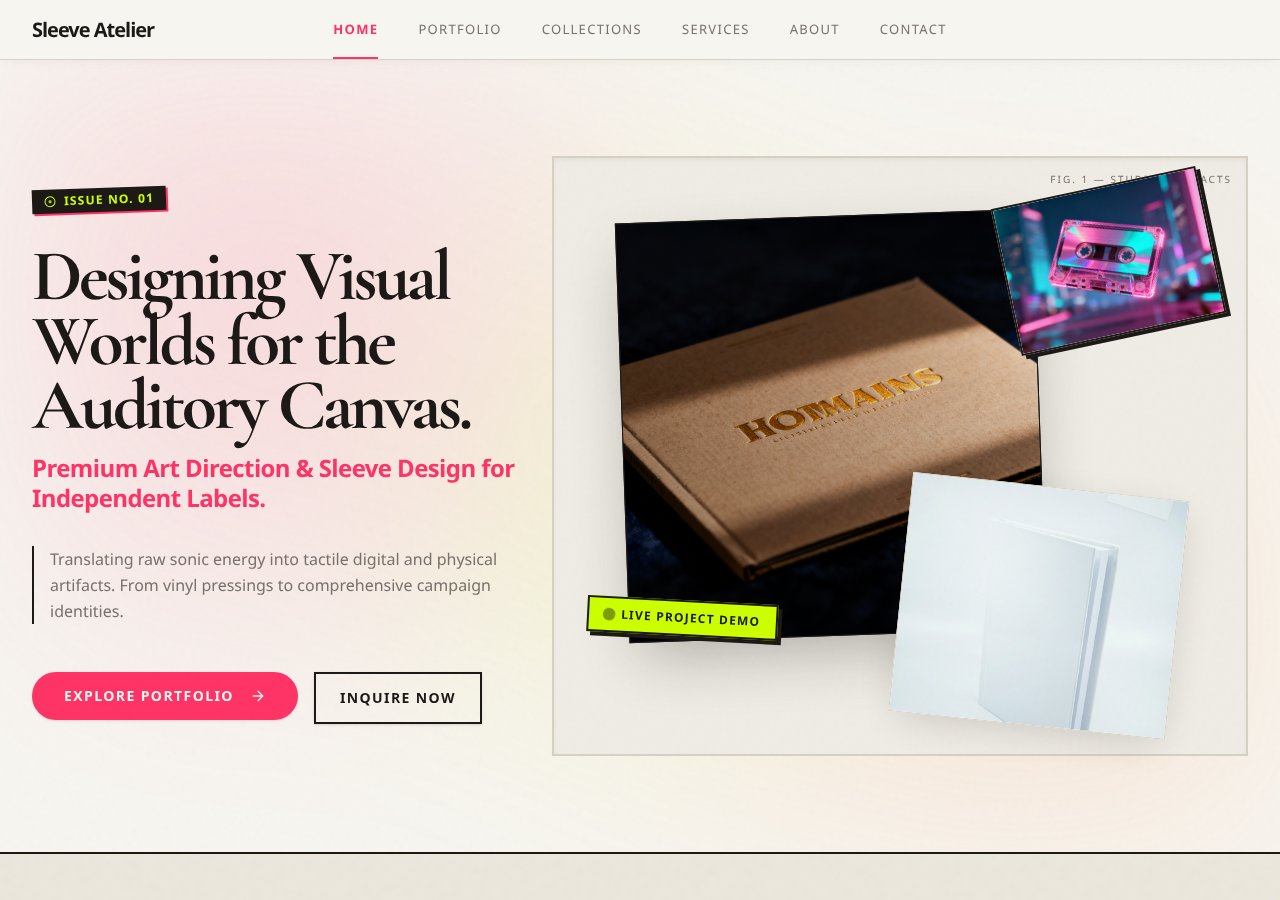
A creative-studio experience chosen for its visual hierarchy, responsive presentation, and portfolio-led browsing.
View template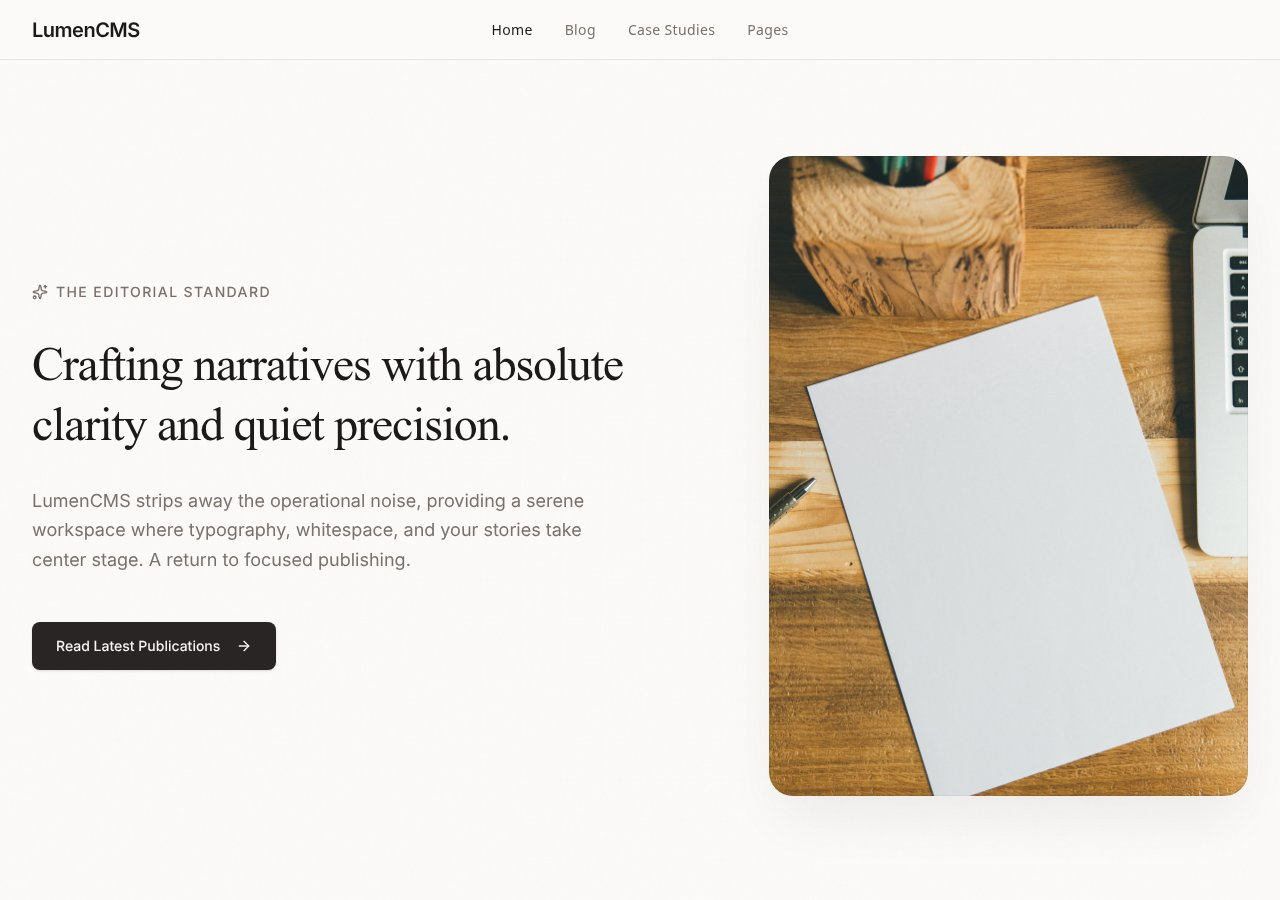
An English-only landing experience selected to demonstrate expressive art direction, polished hierarchy, and responsive composition.
View templateAutoCoder’s value is strongest when users, data, roles, and workflows belong in the original product brief—not in a later integration plan.
A visible Requirement List gives product stakeholders a concrete scope checkpoint before implementation.
Frontend, backend, data, authentication, preview, iteration, and publishing stay connected.
Standard and Pro plans provide a downloadable full-stack ZIP package for developer handoff.
The best tool follows the platform, maintenance owner, and operational requirements—not the broadest marketing claim.
Published prices and availability are time-sensitive. Taxes, usage overages, enterprise terms, add-ons, external service fees, and future changes are not included.
Both offer free entry points and meter AI usage through credits. Compare seats, included credits, collaboration needs, and export requirements—not only the headline subscription.
Figma has the deeper design-system and canvas workflow. AutoCoder narrows the work around an opinionated generated full-stack product and explicit requirements.
Figma emphasizes MCP, APIs, connectors, Dev Mode, and codebase collaboration. AutoCoder emphasizes managed application delivery plus a paid ZIP export path.
Pricing and plan details checked against official pages on August 24, 2026.
Compare the documented creation steps, review points, and delivery paths before choosing the workflow that fits your product and team.
These fit statements are based on documented product scope. Output quality still depends on the prompt, project complexity, integrations, review, and testing.
Official documentation establishes product positioning and published capabilities. Conditional implementation details and untested comparative outcomes are labeled separately.
Core positioning, published pricing, workflow, deployment, and source/export statements checked against first-party pages.
May require a specific plan, external service, integration, developer setup, or project configuration.
No controlled benchmark was run for generation speed, total cost, maintainability, reliability, or output quality.
Direct product, documentation, pricing, help-center, repository, and release pages used for this comparison.
Concise answers for users comparing product scope, ownership, workflow, and platform fit.
AutoCoder.cc is a focused requirement-to-application platform. Figma AI spans design exploration, Figma Make, design systems, collaboration, prototypes, and codebase workflows.
Yes. Figma Make is officially positioned for functional prototypes and web apps, and it can connect to Supabase for authentication, user data, and private APIs.
Figma AI has the clearer fit because Figma libraries, variables, components, and shared canvas collaboration are core parts of its platform.
AutoCoder.cc is designed around a narrower requirement-to-generated-app workflow with built-in preview, publishing, and paid ZIP export.
Yes, but differently. Figma emphasizes Dev Mode, MCP, editable design layers, and codebase pull requests; AutoCoder emphasizes generating and exporting a connected application.
No. Features and prices were checked against official documentation on August 24, 2026, but no controlled speed, cost, or output-quality benchmark was run.
Describe the users, data, roles, and workflows. Generate, review, refine, and publish with AutoCoder.cc.
Try AutoCoder Free