AutoCoder.cc output
Optimized for a connected application and a direct managed launch path. Specialized architecture, security, and tests still require review.
AutoCoder.cc and v0 can both create full-stack applications. AutoCoder.cc provides a structured requirement-to-publish workflow around a managed application; v0 generates editable code, defaults to Next.js, connects to Vercel integrations, and supports GitHub synchronization and Vercel deployment.
Choose AutoCoder.cc when you want requirements, application infrastructure, preview, and publishing managed in one focused flow. Choose v0 when you want editable Next.js-oriented code, Vercel integrations, GitHub synchronization, and direct control over the generated project.
Current v0 documentation covers full-stack applications, backend endpoints, databases, integrations, Git synchronization, and Vercel deployment. The key decision is whether your team prefers a managed product workflow or direct ownership of a code-first Vercel project.
| Feature | AutoCoder.cc | V0 |
|---|---|---|
| Core product | Autonomous AI coding agent and managed full-stack application platform | AI development platform for generating and editing applications and code |
| Primary starting point | Product prompt converted into a Requirement List | Prompt, screenshot, component request, existing chat, or imported project |
| Target users | Founders, PMs, operators, indie developers, and lean product teams | Designers, frontend developers, full-stack developers, and Vercel-oriented product teams |
| Full-stack generation | Connected frontend, backend, database behavior, authentication, and preview | Full-stack apps with Next.js defaults, server actions, API routes, databases, and integrations |
| Framework support | Platform-managed generated stack; no exhaustive language matrix | Next.js is the documented default and most reliable path; other frameworks can be requested |
| Database and backend | Managed inside the generated AutoCoder project | Can connect Supabase, Neon, Upstash, Blob, and other Vercel marketplace services |
| Design control | Chat iteration plus visual editing | Design Mode, generated components, code editing, and project-level iteration |
| Deployment | Built-in publishing, hosted subdomains, and custom domains | Deploys to Vercel and integrates with Vercel projects and services |
| Code portability | Paid plans provide a full-stack ZIP source package | Generated code can be edited, exported, and synchronized with GitHub |
| Cost model | Fixed monthly plans with generation credits | Plan credits plus token-priced model usage; Vercel infrastructure costs can be separate |
| Best fit | Greenfield applications where stakeholders want a guided managed workflow | Code-first web applications and UI systems built around React, Next.js, GitHub, and Vercel |
| Poor fit | Existing complex repositories or specialized infrastructure | Teams that do not want to own framework, integration, deployment, and code-review decisions |
Start from a full-stack product brief, then refine the interface, workflows, data, roles, and launch experience. Preview images are intentionally marked for production replacement.
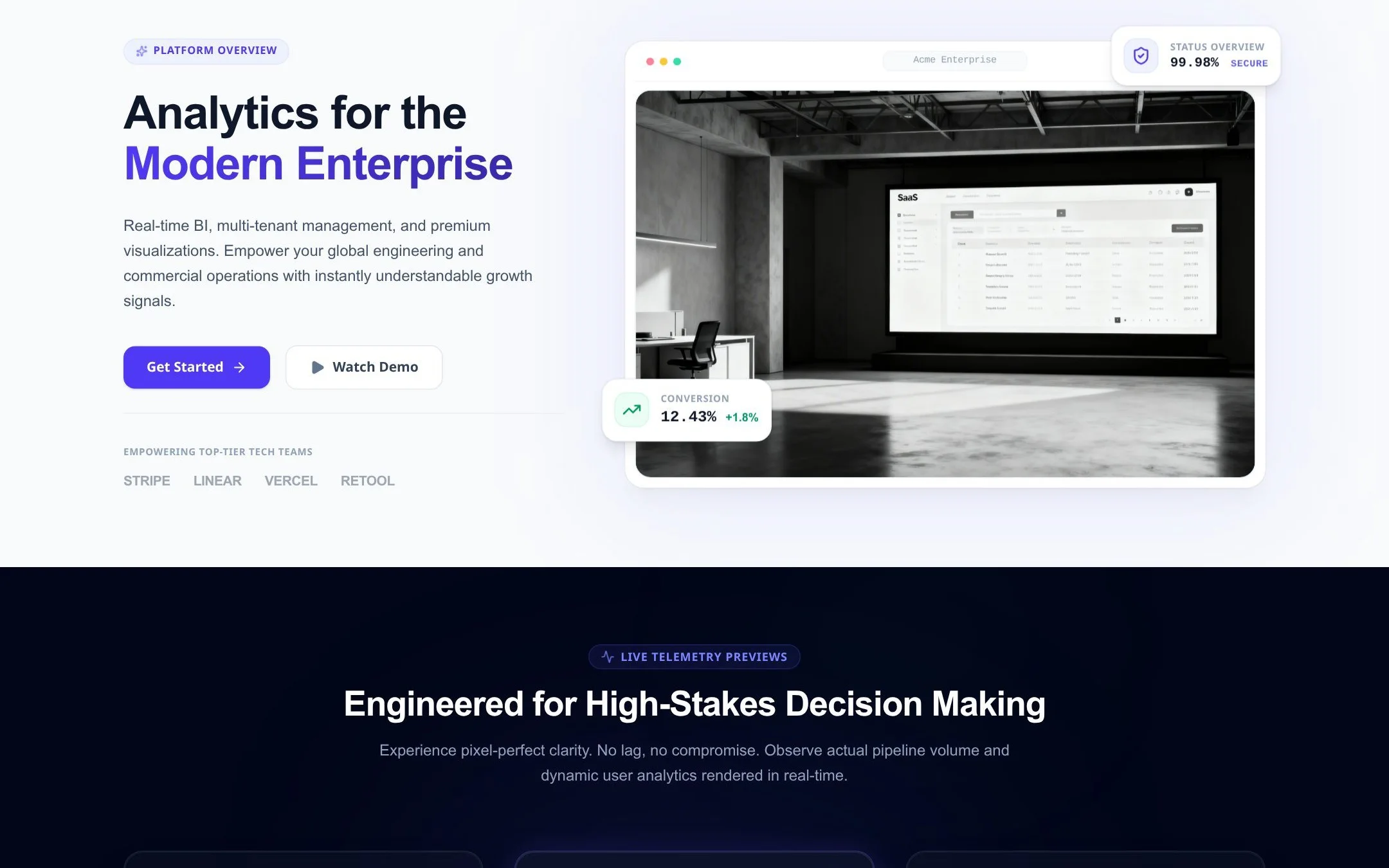
A full-stack analytics application with accounts, connected data, dashboards, and alerts.
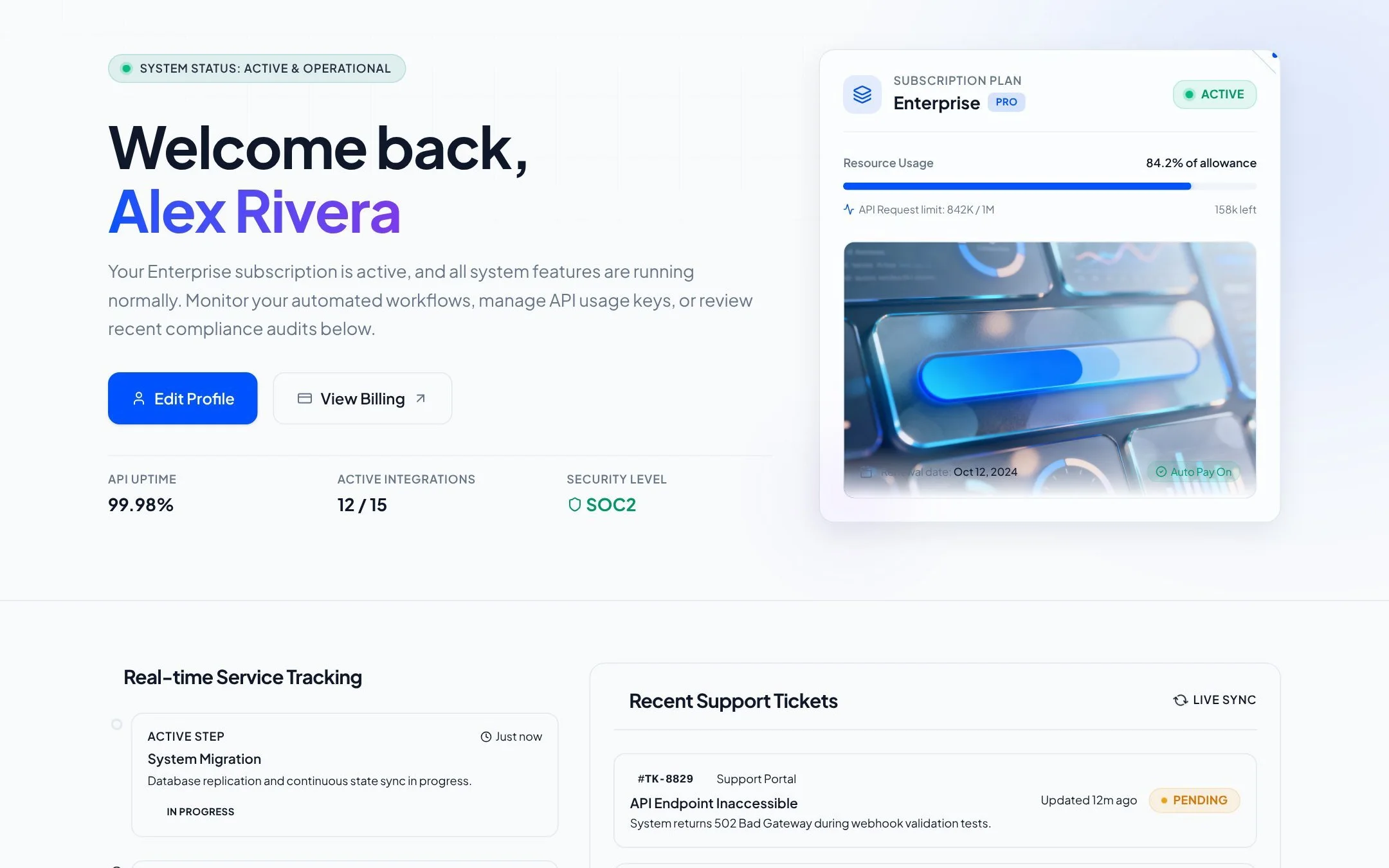
A secure portal for customers to manage profiles, subscriptions, files, and support requests.
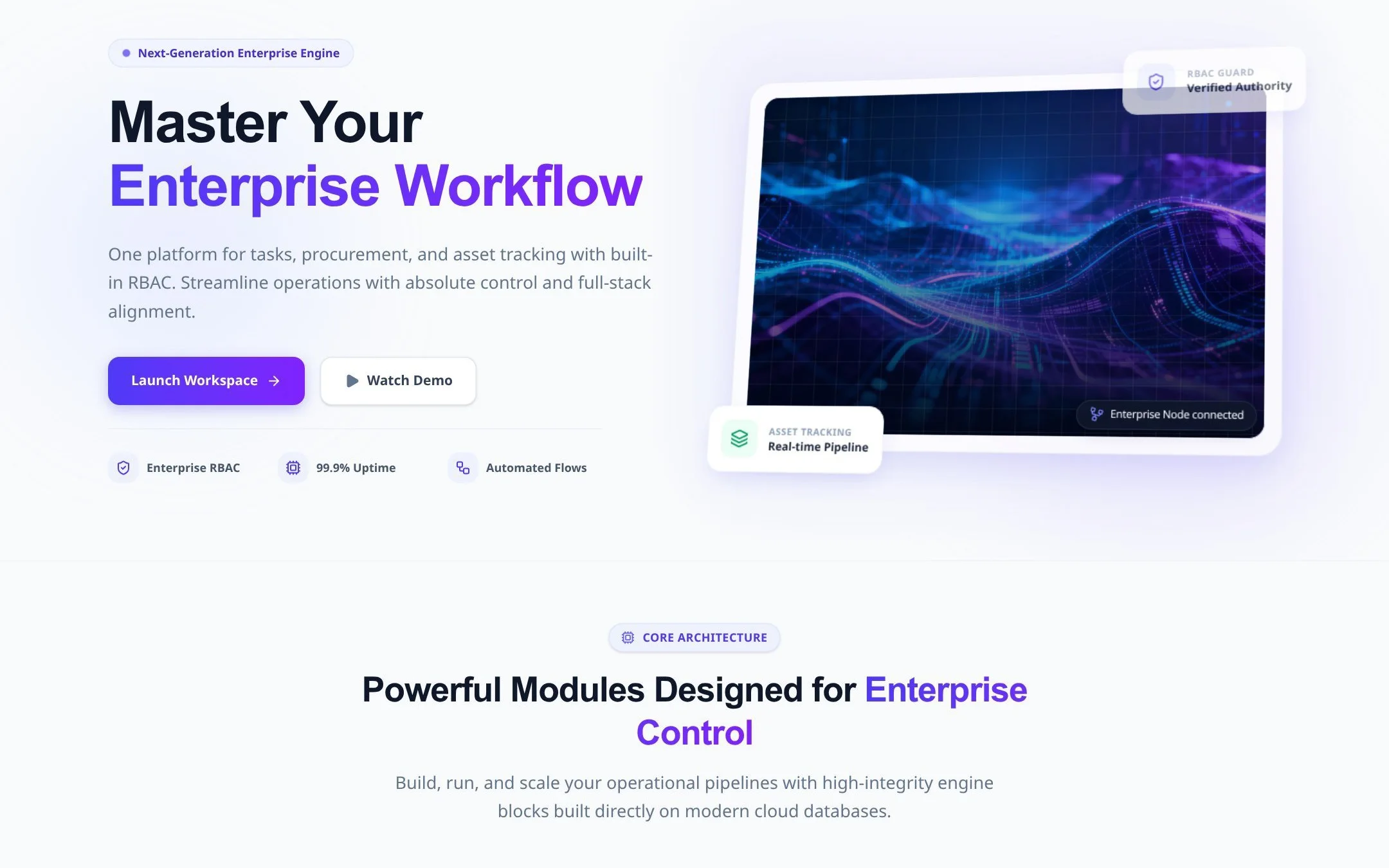
A database-backed application for queues, approvals, assignments, and operational reporting.
The workflow begins with an explicit Requirement List instead of moving directly from a prompt into generated implementation.
Frontend, backend, database behavior, authentication, preview, and publishing remain connected in one platform flow.
Teams do not need to select and connect separate Vercel marketplace resources before sharing a working product.
Founders, PMs, operators, and developers can review the same requirement and application workflow without starting from a code editor.
Prices and availability are time-sensitive. The values below were checked against official product documentation on August 5, 2026; taxes, usage limits, enterprise terms, and future changes are not included.
| Area | AutoCoder.cc | V0 |
|---|---|---|
| Free access | $0 with 10 credits; source export is not included | Free: $0 with $5 monthly credits, Design Mode, GitHub sync, Vercel deployment, and a daily message limit |
| Individual paid plan | Standard: $25/month with 45 credits and source export | Plus: $30/user/month with $30 monthly credits and daily login credits |
| Business and enterprise | Pro: $60/month with 180 credits | Business: $100/user/month; Enterprise uses custom pricing |
| Programming model | Managed generated full-stack project with no exhaustive language matrix | Next.js is the default and most reliable path; other frameworks can be requested |
| Integrations | Hosting, domains, backend dashboard, Google sign-in, and ZIP source export | Vercel, GitHub, Supabase, Neon, Upstash, Blob, AI providers, APIs, and environment variables |
| Code ownership | Paid plans provide a full-stack ZIP source package | Generated code can be edited, exported, and synchronized bidirectionally with GitHub |
AutoCoder.cc automates the managed path from requirements through publishing. v0 automates code generation and iteration while leaving more framework, Vercel service, repository, and deployment decisions visible to the builder.
| Workflow stage | AutoCoder.cc | V0 |
|---|---|---|
| Requirement handling | Creates a structured Requirement List before generation | Works from prompts, screenshots, chats, project context, and code |
| Initial implementation | Generates frontend, backend, database behavior, authentication, and preview | Generates UI and full-stack Next.js patterns including server actions, API routes, and database connections |
| Iteration | Supports chat changes, visual editing, and version history | Supports chat, Design Mode, code edits, branching or forking, and GitHub synchronization |
| Verification | Users should review functional behavior; universal automated test coverage is not documented | Generated code and integrations require project-specific testing, security review, and production validation |
| Delivery | Built-in publishing and paid ZIP export | Deploys to Vercel and can continue through GitHub and the broader Vercel workflow |
Optimized for a connected application and a direct managed launch path. Specialized architecture, security, and tests still require review.
Optimized for editable web application code and Vercel-native workflows. Quality depends on prompt detail, framework choices, integrations, generated code, and developer review.
AutoCoder.cc provides less framework and repository control. v0 offers deeper code-level ownership and Vercel integration, but teams must manage architecture, services, generated-code review, and production configuration.
This is an official-documentation capability check, not a vendor-sponsored score or an independently executed benchmark.
| Test question | AutoCoder.cc result | V0 result | Evidence status |
|---|---|---|---|
| Generate a working full-stack web app | Verified: managed full-stack generation and publishing are documented | Verified: v0 documents backend endpoints, databases, integrations, and full-stack applications | Official capability check |
| Connect production data services | Verified inside the managed AutoCoder backend | Verified: Supabase, Neon, Upstash, Blob, and marketplace integrations are documented | Official capability check |
| Work with an existing GitHub repository | Limited: paid ZIP export exists; GitHub sync is under development | Verified: GitHub synchronization and existing-project workflows are documented | Official capability check |
| Deploy from the same workspace | Verified through built-in publishing | Verified through Vercel deployment | Official capability check |
| Compare speed, cost, and output quality | Not independently tested | Not independently tested | Hands-on benchmark required |
Status: Not independently run. Before publishing measured performance claims, run both tools with the same prompt, acceptance criteria, starting state, plan, and review checklist.
Feature, pricing, and availability claims link to official vendor documentation. Readers should recheck time-sensitive details before purchasing.
Full-stack generation, authentication, database, deployment, and source export.
Requirement List, generation, iteration, visual editing, version history, and publishing.
Free, Standard, and Pro prices, credits, and source export availability.
Source export and current GitHub synchronization status.
Free, Plus, Business, and Enterprise plans, included credits, and token-based model pricing.
Next.js defaults, backend endpoints, databases, integrations, and incremental full-stack workflows.
Code export, editing, Git integration, internet requirement, and plan overview.
AutoCoder.cc provides a managed requirement-to-application workflow with built-in infrastructure and publishing. v0 provides editable code generation, a strong Next.js default, Vercel integrations, Git synchronization, and Vercel deployment.
No. Current v0 documentation describes full-stack applications, API routes, server actions, databases, environment variables, integrations, GitHub synchronization, and deployment.
v0 has the clearer native fit because Next.js is its documented default and it integrates directly with Vercel projects and marketplace services.
AutoCoder.cc offers a full-stack ZIP export on paid plans. v0-generated code can be edited, exported, and synchronized with GitHub.
AutoCoder.cc uses fixed monthly generation-credit plans. v0 offers Free, Plus, Business, and Enterprise plans with included credits and model usage priced by tokens; Vercel infrastructure may be billed separately.
AutoCoder.cc is more guided around requirements and a managed stack. v0 gives teams more direct code and infrastructure control, which is useful when technical ownership is available.
Capabilities and current pricing were checked against official documentation on August 5, 2026. No controlled hands-on benchmark has been run, so the page does not claim a speed, cost, or output-quality winner.
Generate connected UI, backend behavior, data, roles, and a publishing workflow in AutoCoder.cc.