AutoCoder.cc output
Optimized for a connected full-stack application, a focused product workflow, and a portable source artifact on paid plans. Edge cases, security, test coverage, and complex custom requirements still require review.
AutoCoder.cc turns product requirements into runnable full-stack applications. Bubble combines AI generation with a visual no-code editor for pages, data, logic, and deployment. Compare which workflow better fits your product, team, ownership needs, and development process.
Choose AutoCoder.cc when you want a requirement-led path to a generated full-stack app, paid source export, and a focused product workflow. Choose Bubble when you want to inspect and refine the application through a mature visual editor, workflows, plugins, and Bubble-managed runtime.
Bubble is no longer only a blank-canvas visual builder: its current AI tools can generate UI, database structure, and logic. The practical decision is whether you prefer AutoCoder's requirement-led full-stack workflow and export path or Bubble's visual editor and platform runtime.
| Feature | AutoCoder.cc | Bubble |
|---|---|---|
| Core product | Autonomous AI coding agent and managed full-stack application platform | AI-powered no-code platform with a visual editor and Bubble-managed runtime |
| Primary starting point | A product prompt that becomes a structured Requirement List | An AI app prompt, template, or visual editor project |
| Target users | Founders, PMs, operators, indie developers, and lean product teams | No-code builders, agencies, founders, and teams invested in visual development |
| AI app generation | Generates connected frontend, backend, database behavior, authentication, and preview | Generates a working visual app with UI, built-in backend, database, and logic |
| Visual control | Chat iteration plus visual editing inside the generated project | Detailed visual control across UI, responsive behavior, data, logic, and workflows |
| Backend and database | Generated within the managed full-stack project | Built-in Bubble database, privacy rules, backend workflows, and API workflows |
| Integrations | Built-in hosting, domains, Google sign-in, backend dashboard, and source export | Plugin marketplace, API Connector, Data API, Workflow API, and external services |
| Deployment | Built-in preview, publishing, AutoCoder subdomains, custom domains, and republishing | Bubble-hosted web and mobile deployment; paid plan required for a live app |
| Source ownership | Paid plans include a full-stack ZIP source export | Users own app data and design; Bubble retains the underlying platform code and apps cannot be exported as runnable code |
| Cost model | Monthly plans include a defined allocation of generation credits | Project-level subscriptions plus workload usage, add-ons, storage, and optional plugin costs |
| Learning curve | Lower setup burden, with more stack decisions managed by the platform | AI speeds up the first build, but deeper work requires learning Bubble's editor, data, privacy, and workflow model |
| Best fit | Greenfield SaaS, portals, dashboards, marketplaces, and internal apps with an export path | Visual no-code apps where long-term editing will remain inside Bubble |
Start from a full-stack product brief, then refine the interface, workflows, data, roles, and launch experience. Preview images are intentionally marked for production replacement.
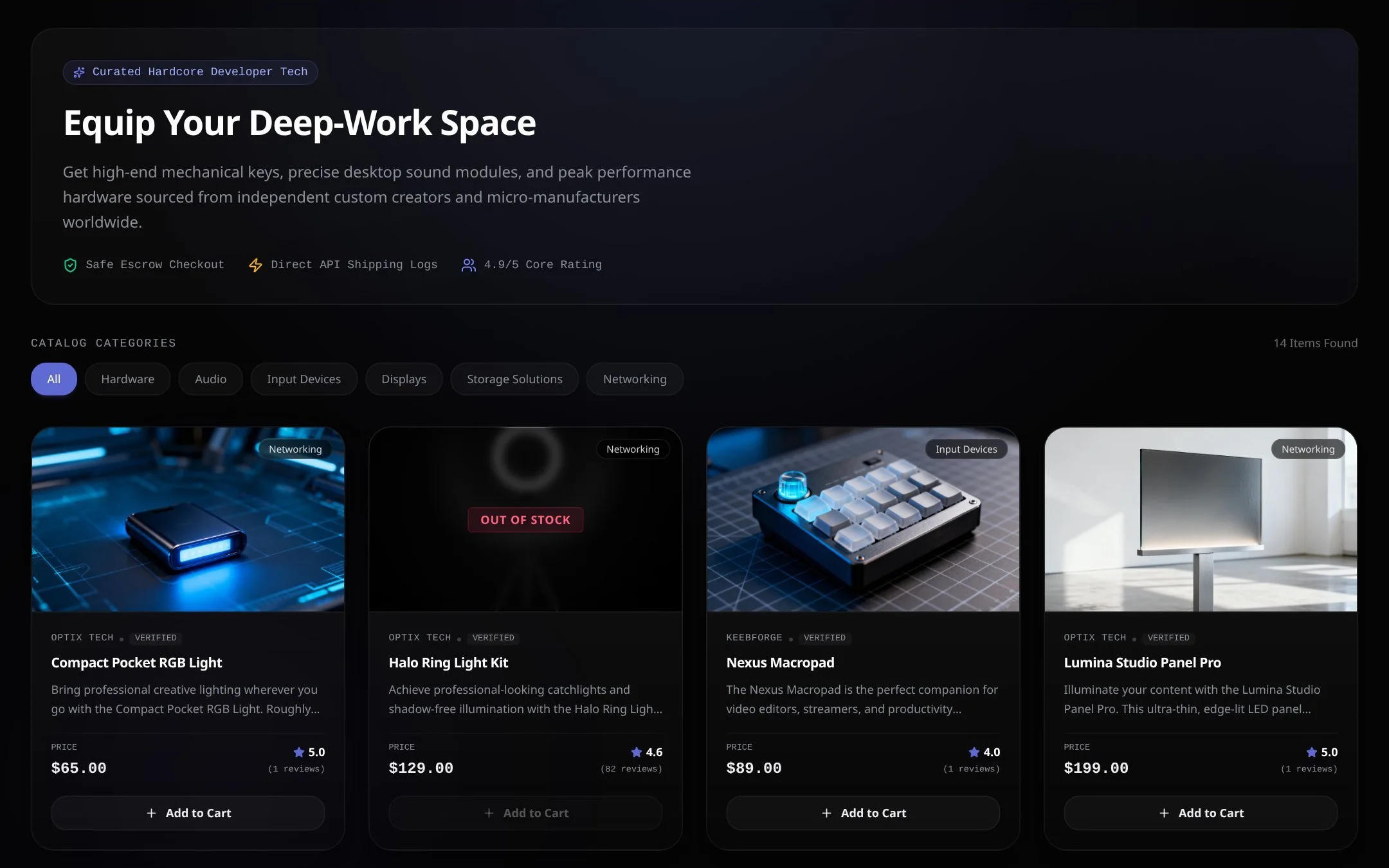
A marketplace for vendors, customers, transactions, and platform operations.
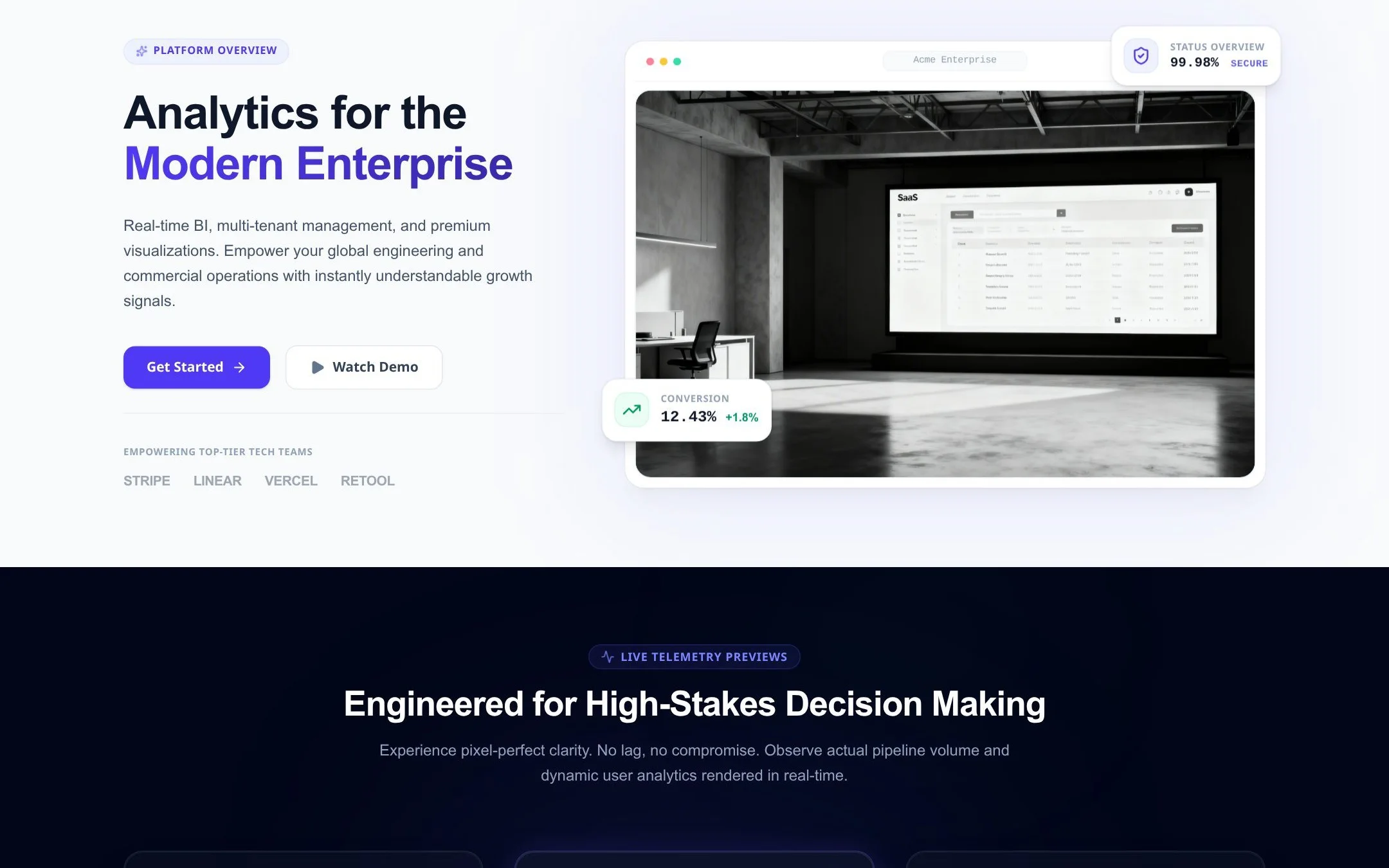
A subscription product with organizations, billing, permissions, and reporting.
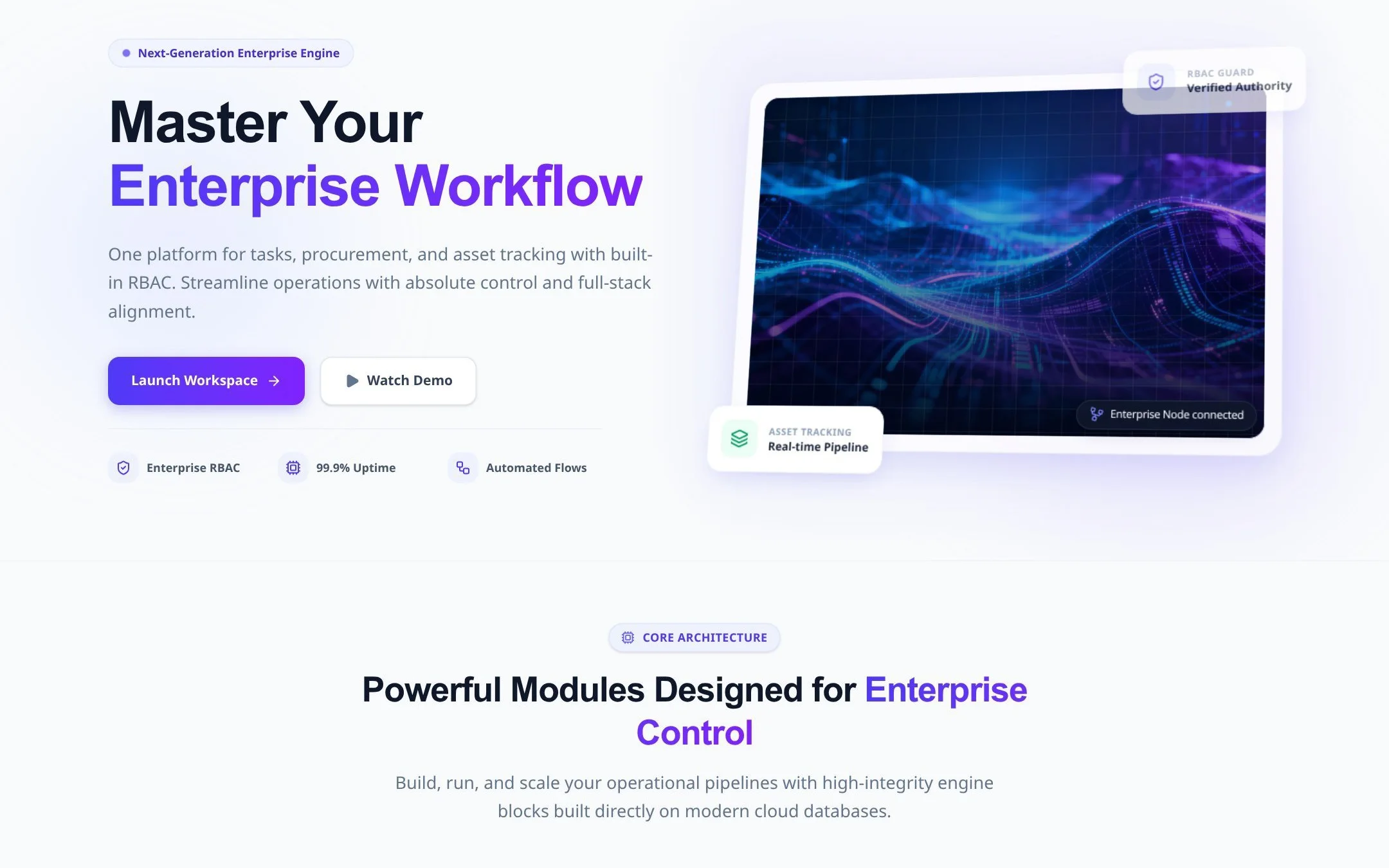
An operational workspace for approvals, records, audit history, and admin tasks.
AutoCoder creates a Requirement List before generation, giving product stakeholders a clear checkpoint before the app is built.
Frontend, backend, database behavior, authentication, iteration, and publishing stay connected in one focused product workflow.
Paid plans include full-stack source export, which matters when the team needs a portable code artifact outside the platform.
Teams can guide the product through requirements and conversation instead of manually configuring every page, data type, privacy rule, and workflow.
Prices and availability are time-sensitive. The values below were checked against official product documentation on August 5, 2026; taxes, usage limits, enterprise terms, and future changes are not included.
| Area | AutoCoder.cc | Bubble |
|---|---|---|
| Free access | $0 with 10 credits; source export is not included | $0 for projects under construction, with a development version, API Connector, one editor, and 50K workload units per month |
| Entry paid plan | Standard: $25/month with 45 credits and source export | Starter: $59/month billed annually for live apps, custom domains, recurring workflows, and 175K workload units |
| Higher-usage plans | Pro: $60/month with 180 credits and source export | Growth: $209/month; Team: $549/month, both billed annually; Enterprise uses custom terms |
| Programming model | No exhaustive public language matrix; AutoCoder manages the generated full-stack project and export package | Visual no-code development with JavaScript-based extensibility, plugins, and APIs rather than an exported language-specific codebase |
| Integrations | Hosted subdomain, custom domains, backend dashboard, Google sign-in, and ZIP source export | Plugin marketplace, API Connector, Data API, Workflow API, webhooks, and external services |
| Application ownership | Paid plans provide a full-stack source package | Users own their app data and design; Bubble retains the underlying platform code, and apps cannot be exported as runnable code |
AutoCoder.cc keeps iteration inside a requirement-led full-stack workflow. Bubble moves the generated app into its visual no-code editor, where design, data, logic, privacy, and workflows remain directly configurable.
| Workflow stage | AutoCoder.cc | Bubble |
|---|---|---|
| Requirement handling | Turns a prompt into a structured Requirement List before generation | Turns a prompt into recommended features and a generated visual app |
| Initial implementation | Generates UI, backend logic, database behavior, authentication, and live preview | Generates UI, built-in backend, database, logic, active controls, and sample behavior |
| Iteration | Supports chat changes, visual editing, and version history | Supports AI chat plus detailed editing in Bubble's design, data, and workflow tools |
| Verification | Users should review functional behavior; universal automated test coverage is not documented | Provides debugger and logs by plan; generated behavior, privacy rules, workflows, and production acceptance still need review |
| Delivery | Publishes in-platform and supports paid source export | Deploys on Bubble infrastructure; paid plans unlock live apps, domains, and larger workload allocations |
Optimized for a connected full-stack application, a focused product workflow, and a portable source artifact on paid plans. Edge cases, security, test coverage, and complex custom requirements still require review.
Optimized for visual inspection and continued no-code editing inside Bubble. Quality depends on the prompt, generated foundation, workflow design, privacy rules, plugins, workload use, and the builder's review.
AutoCoder.cc manages more technical choices and is less suited to deeply customized existing repositories. Bubble offers deeper visual control, but the application remains tied to Bubble's runtime and cost model.
This is an official-documentation capability check, not a vendor-sponsored score or an independently executed benchmark.
| Test question | AutoCoder.cc result | Bubble result | Evidence status |
|---|---|---|---|
| Generate a working app from a prompt | Verified: full-stack generation, auth, database, preview, and publishing are documented | Verified: Bubble documents AI-generated UI, backend, database, logic, and a working app | Official capability check |
| Refine without writing code | Verified: conversational and visual iteration are documented | Verified: AI chat and the visual editor support continued no-code refinement | Official capability check |
| Build backend workflows and APIs | Verified within AutoCoder's generated full-stack workflow | Verified: backend workflows, Data API, Workflow API, API Connector, and plugins are documented | Official capability check |
| Export a runnable source package | Verified on paid plans | Not supported: Bubble documents that apps cannot be exported as code | Official capability check |
| Compare speed, cost, and output quality | Not independently tested | Not independently tested | Hands-on benchmark required |
Status: Not independently run. Before publishing measured performance claims, run both tools with the same prompt, acceptance criteria, starting state, plan, and review checklist.
Feature, pricing, and availability claims link to official vendor documentation. Readers should recheck time-sensitive details before purchasing.
Full-stack generation, authentication, database, deployment, and source export.
Requirement List, generation, iteration, visual editing, version history, and publishing.
Free, Standard, and Pro prices, credits, and source export availability.
Source export and current GitHub synchronization status.
Current Free, Starter, Growth, Team, and Enterprise plans, workload units, and billing model.
Prompt-based app generation, UI, backend, database, logic, visual refinement, and deployment.
Visual workflows, backend workflows, Data API, Workflow API, and external integrations.
Data ownership, design ownership, platform code, and source-code export limitations.
Both can generate working applications from prompts. AutoCoder.cc centers the workflow on structured requirements, generated full-stack applications, and paid source export. Bubble centers continued development on its visual no-code editor and managed runtime.
Yes, when you want a focused requirement-to-app workflow, less manual visual configuration, and the option to export a full-stack source package on paid plans. Bubble is stronger when your team wants detailed visual control inside a mature no-code ecosystem.
Yes. Bubble's current AI app generator can create a working app with UI, a built-in backend, database structure, and logic, then hand the project to Bubble's AI and visual editing tools for refinement.
Both can support non-technical founders. AutoCoder.cc is more direct for users who think in requirements and want more stack decisions managed. Bubble suits users willing to learn its visual editor, data model, privacy rules, and workflows for deeper control.
AutoCoder.cc includes full-stack ZIP source export on paid plans. Bubble documents that app data can be exported, but Bubble applications cannot be exported as runnable source code and must run on the Bubble platform.
AutoCoder.cc uses monthly plans with generation credits. Bubble uses project-level plans and a workload-based usage model, with possible additional workload, storage, and plugin costs.
Capabilities and prices were checked against official documentation on August 5, 2026. No controlled hands-on benchmark has been run, so this page does not claim a speed, cost, or output-quality winner.
Generate the product structure, connected frontend and backend, database behavior, roles, and publishing workflow in AutoCoder.cc.